Lab 1 — Setup Course Blog

Overview In this first lab, I set up a public course blog that will host all lecture and lab homeworks for this course. My goals were: Create a clean, readable blog structure for future posts Make local preview easy for fast iteration Deploy the site online using GitHub Pages so it is always accessible Tooling Choice I used Hugo + GitHub Pages for hosting. Reasons: Hugo is lightweight and fast to build locally Markdown writing is convenient for documenting labs GitHub Pages + GitHub Actions provides automatic deployment on every push Setup Steps 1) Create the Hugo project I created a new Hugo site and initialized a git repository: ...
December 15, 2025 · 2 min · Xia Yina

Lab 2 — Setup Unity Environment

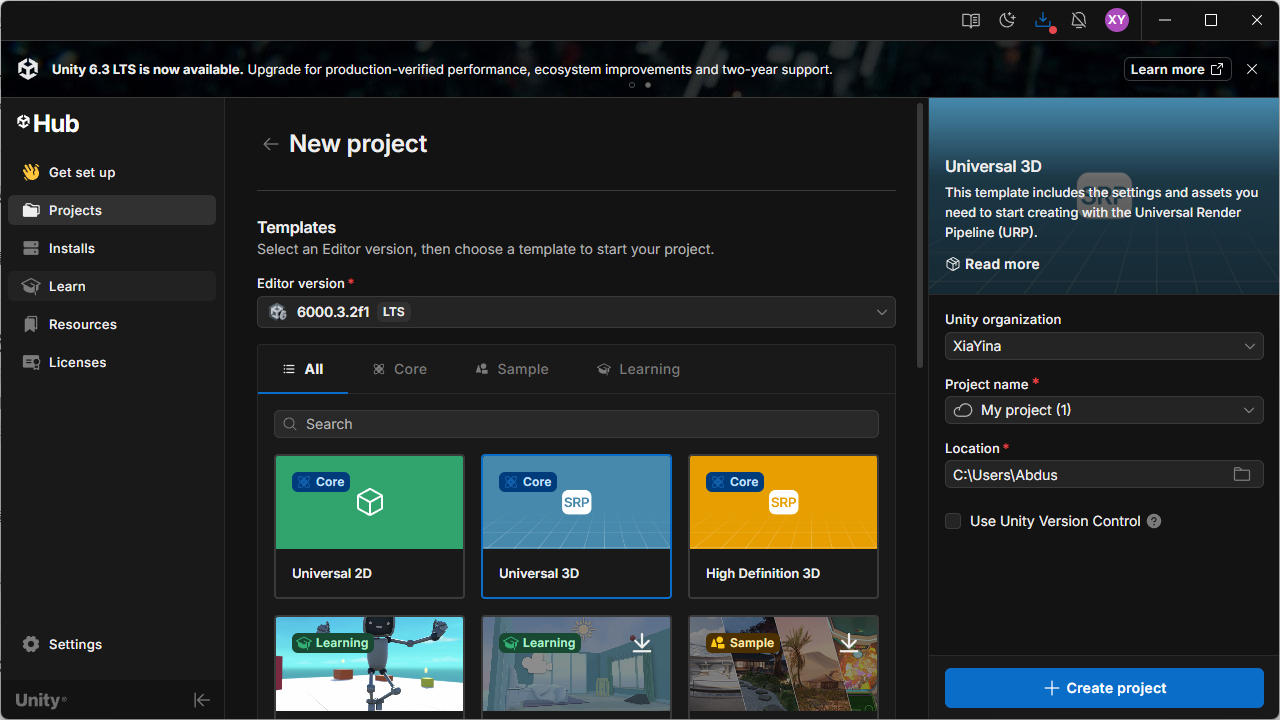
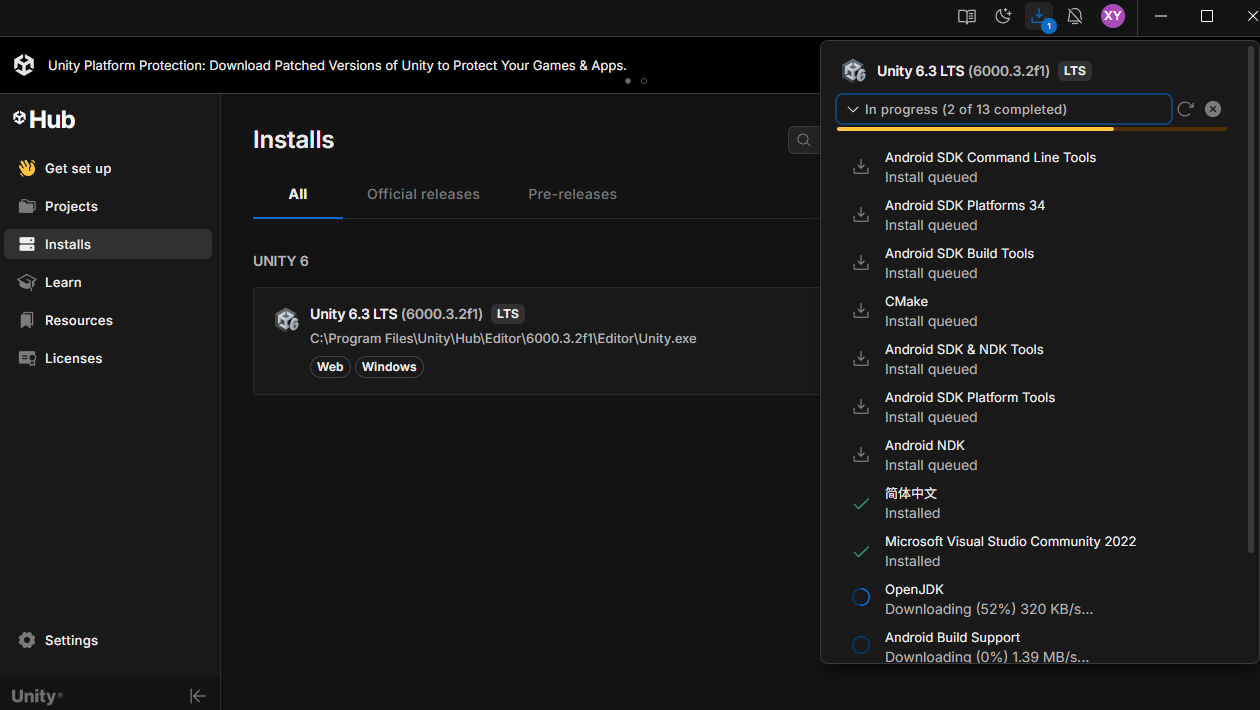
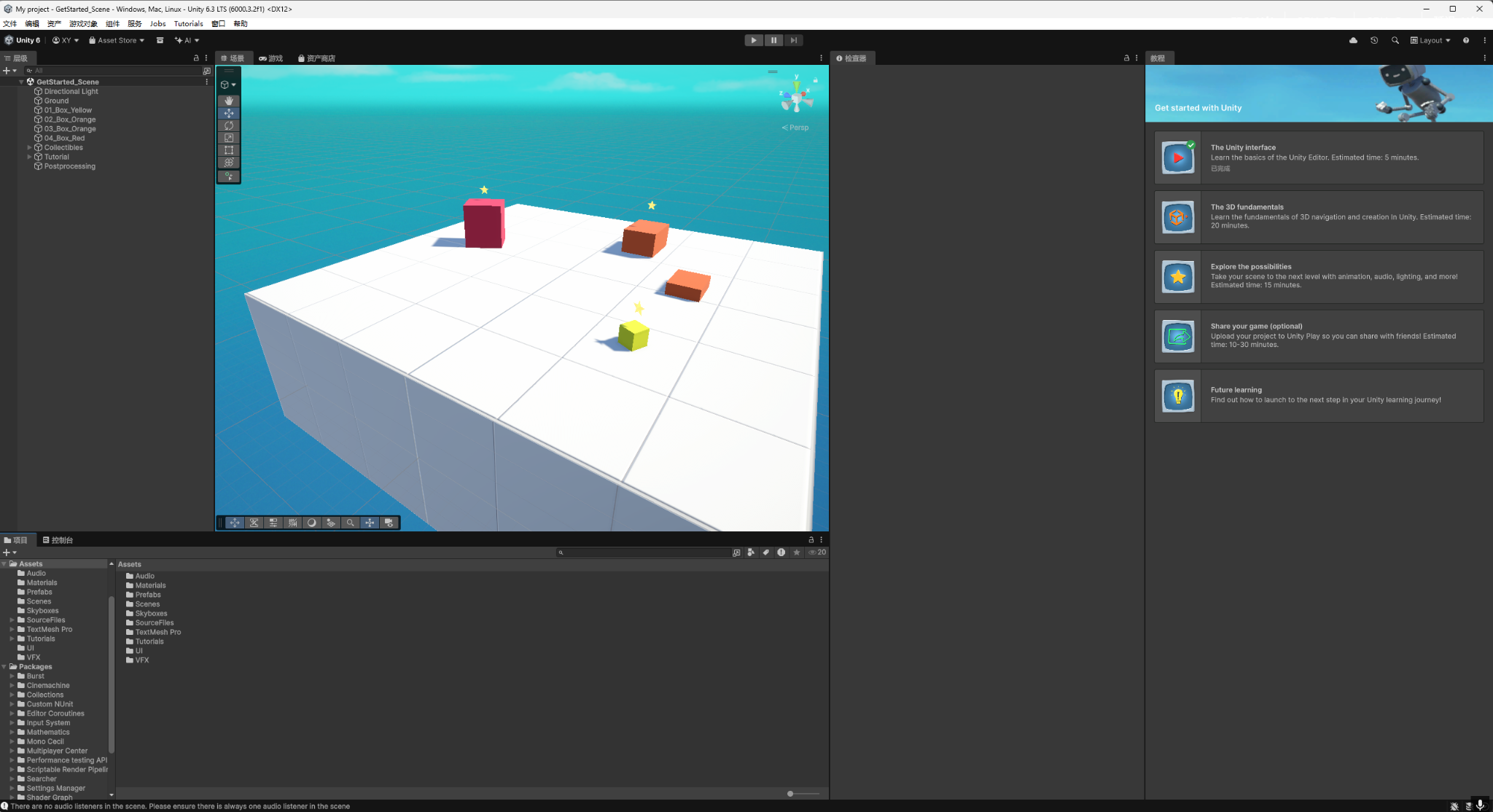
The goal of this Lab 2 was to set up a usable Unity development environment and complete a full basic workflow: creating a project, entering the editor, getting familiar with the core panels and operations, and validating the runtime pipeline using Play Mode. This ensures the environment is ready for upcoming course assignments. 1. Installation I installed the Unity Editor through Unity Hub and selected Unity 6.3 LTS (6000.3.2f1) on Windows. I chose an LTS release primarily for stability and compatibility, which helps avoid package/plugin issues during iterative course work. ...

December 16, 2025 · 2 min · Xia Yina

Lab 3 — Roll-a-ball

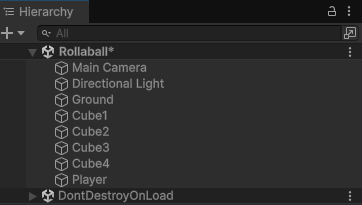
This Lab 3 follows the Unity Learn Roll-a-ball workflow (Unity 6.3) and delivers a runnable minimal rolling-ball scene: I set up the ground and player sphere in a URP 3D project, configured lighting and materials, and implemented physics-based movement using a Rigidbody together with the new Input System (Player Input). On top of the tutorial baseline, I added surrounding walls to constrain the play area, and adjusted the camera angle and distance to make the gameplay view more stable and readable. ...

December 17, 2025 · 8 min · Xia Yina

Lab 4 — Roll-a-ball in VR

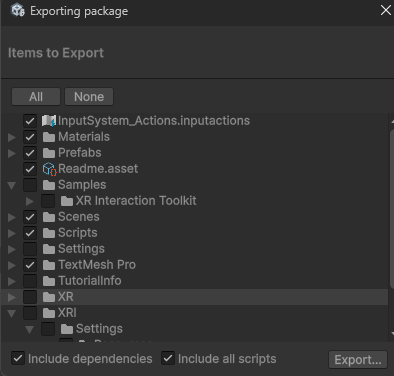
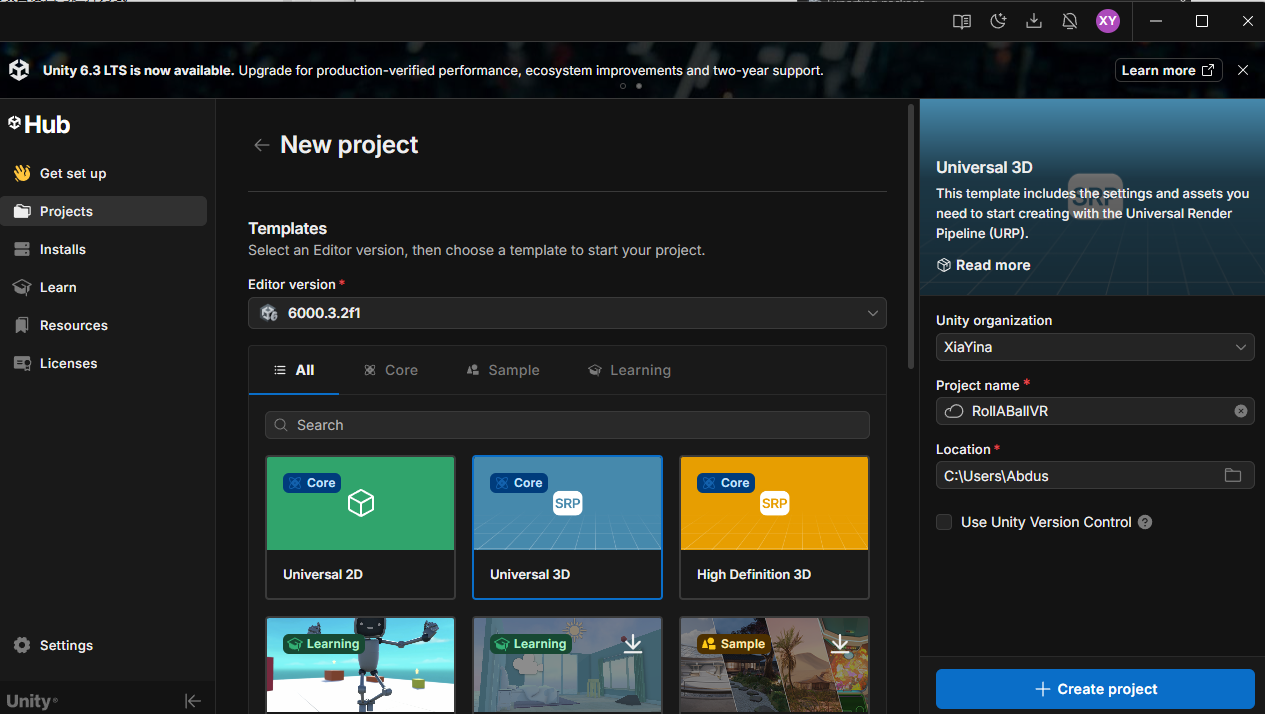
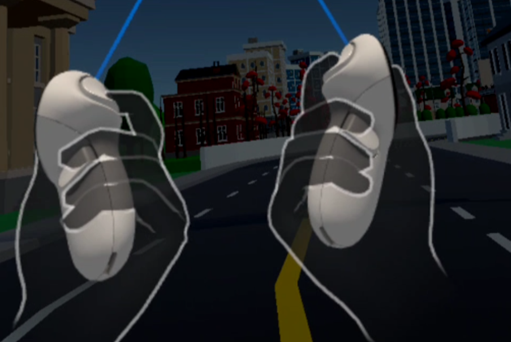
This Lab 4 focuses on migrating the Lab 3 Roll-a-ball project into a Quest (VR) environment, and implementing two fundamental (and most commonly used) selection techniques: Direct Selection (near-field grabbing) and Raycasting (far-field ray selection). In the end, I built it as a small “tabletop game”: Roll-a-ball is scaled down into a tray/board placed on a table. I can grab the whole board with the controllers, move it around, and drop it. I can also use a right-hand ray to select and grab the board from a distance, while still letting the ball roll inside, collect pickups, and keep the UI readable in VR. ...

January 5, 2026 · 11 min · Xia Yina

Lab 5 — Locomotion Technique Implementation

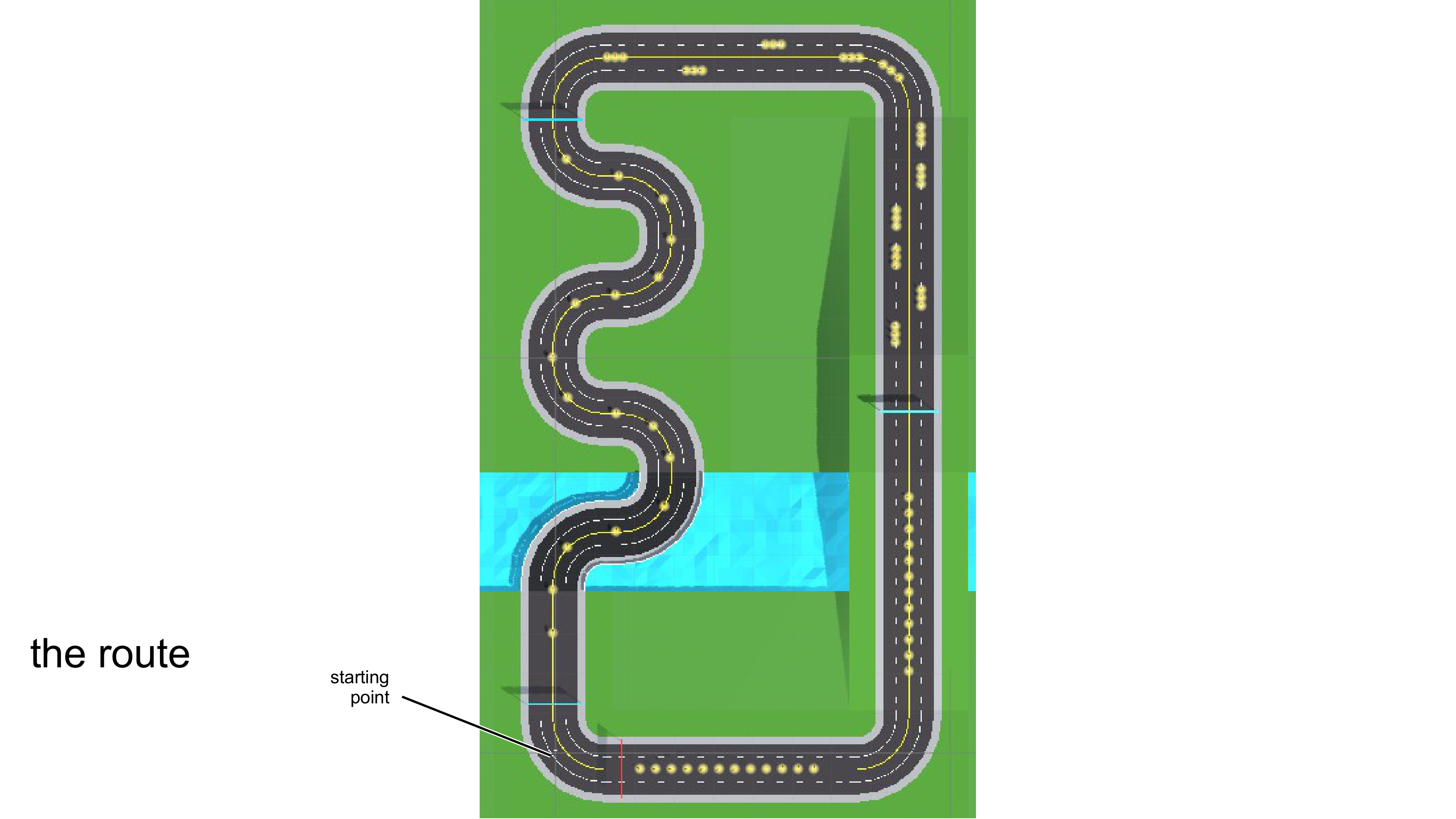
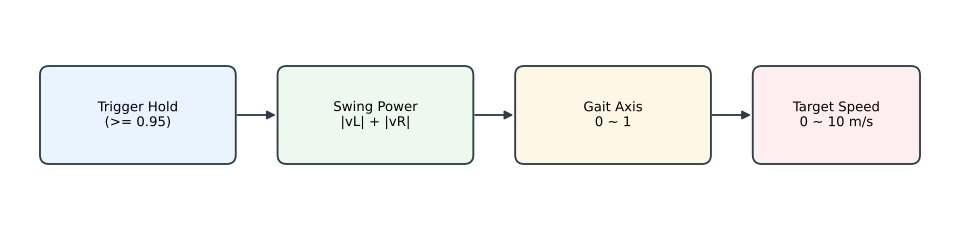
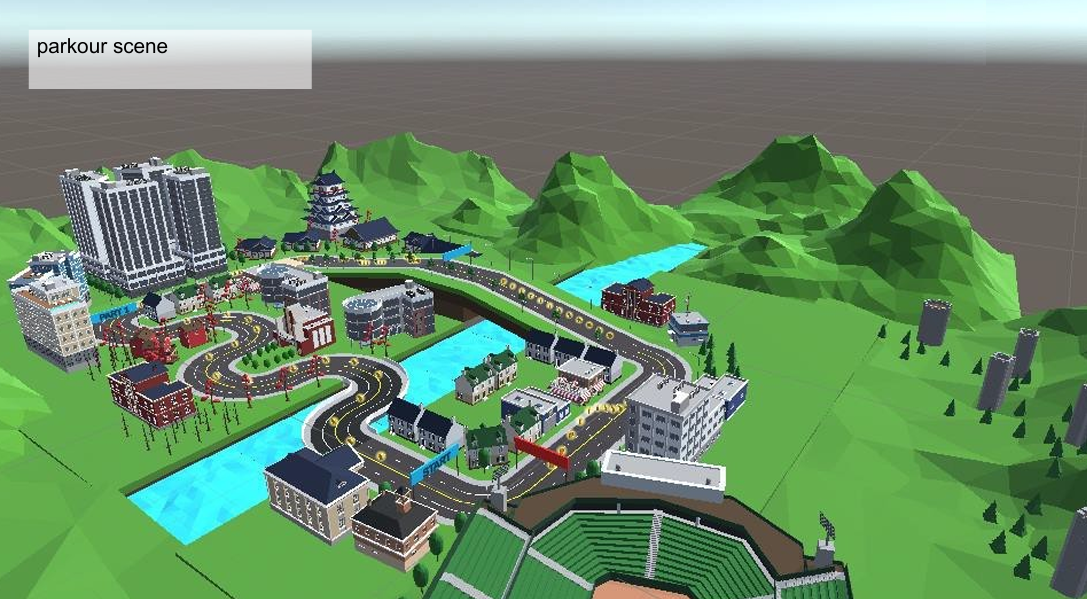
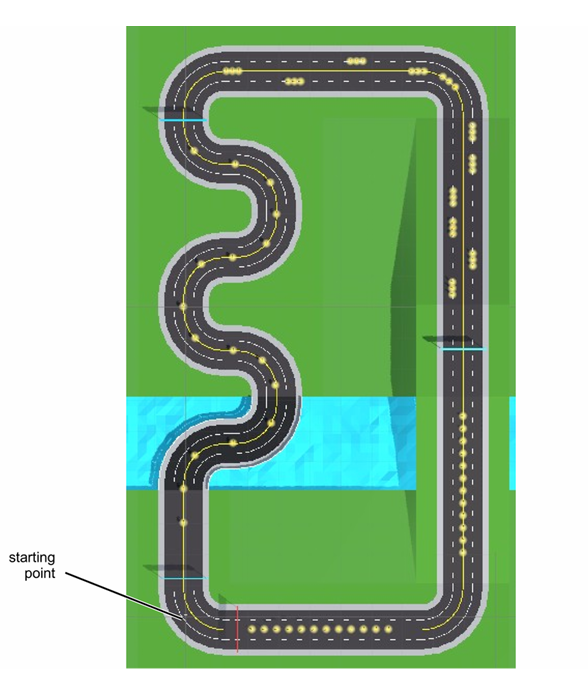
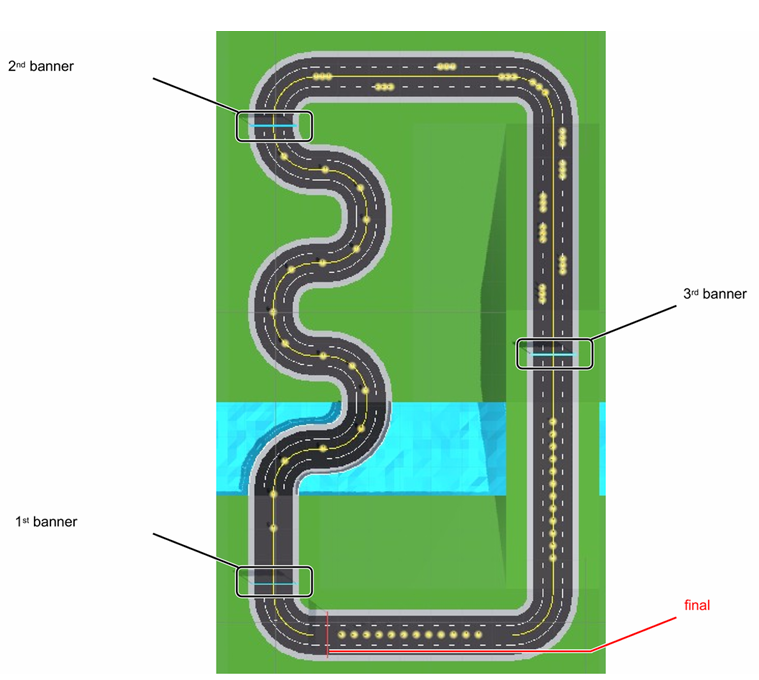
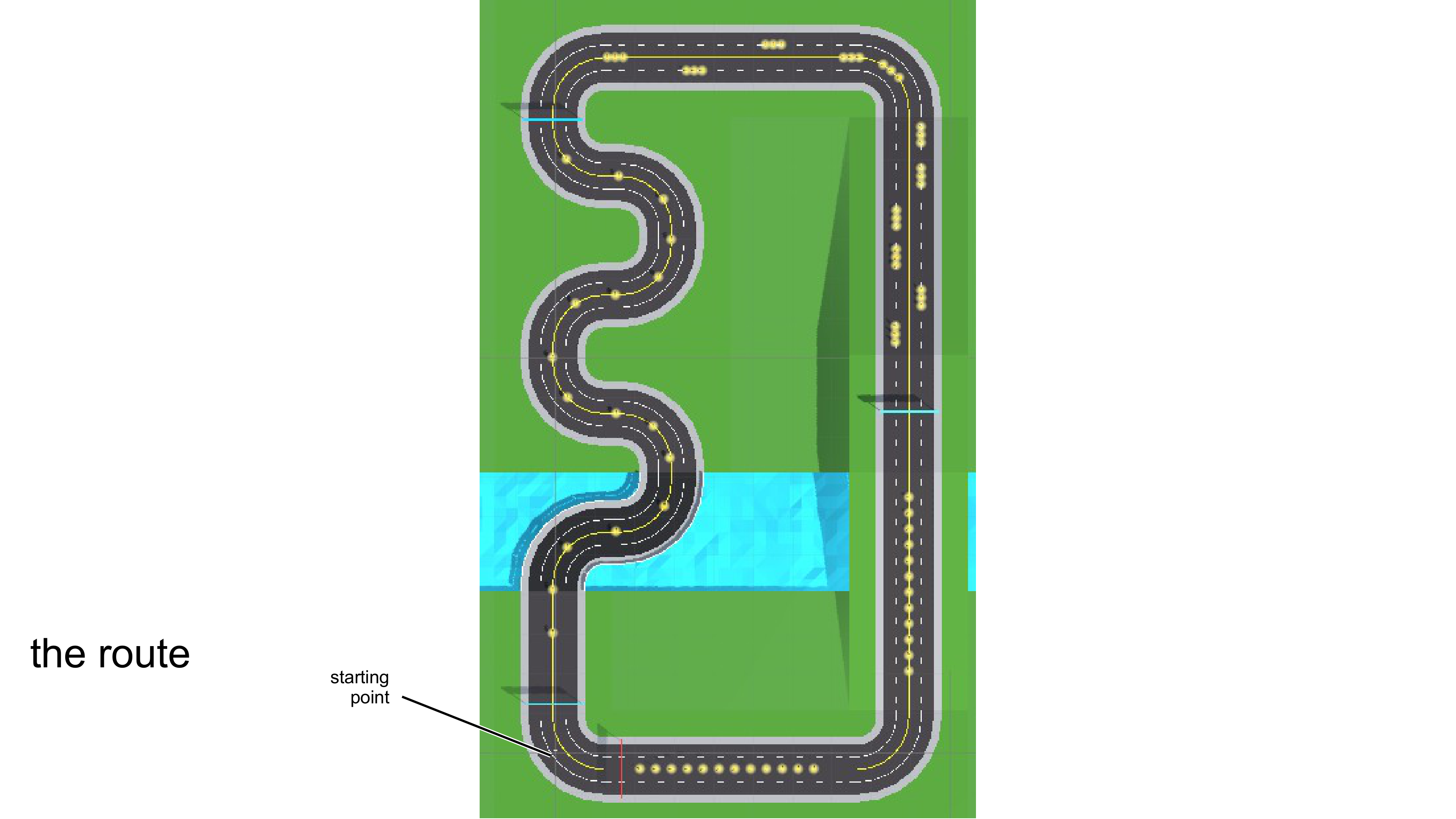
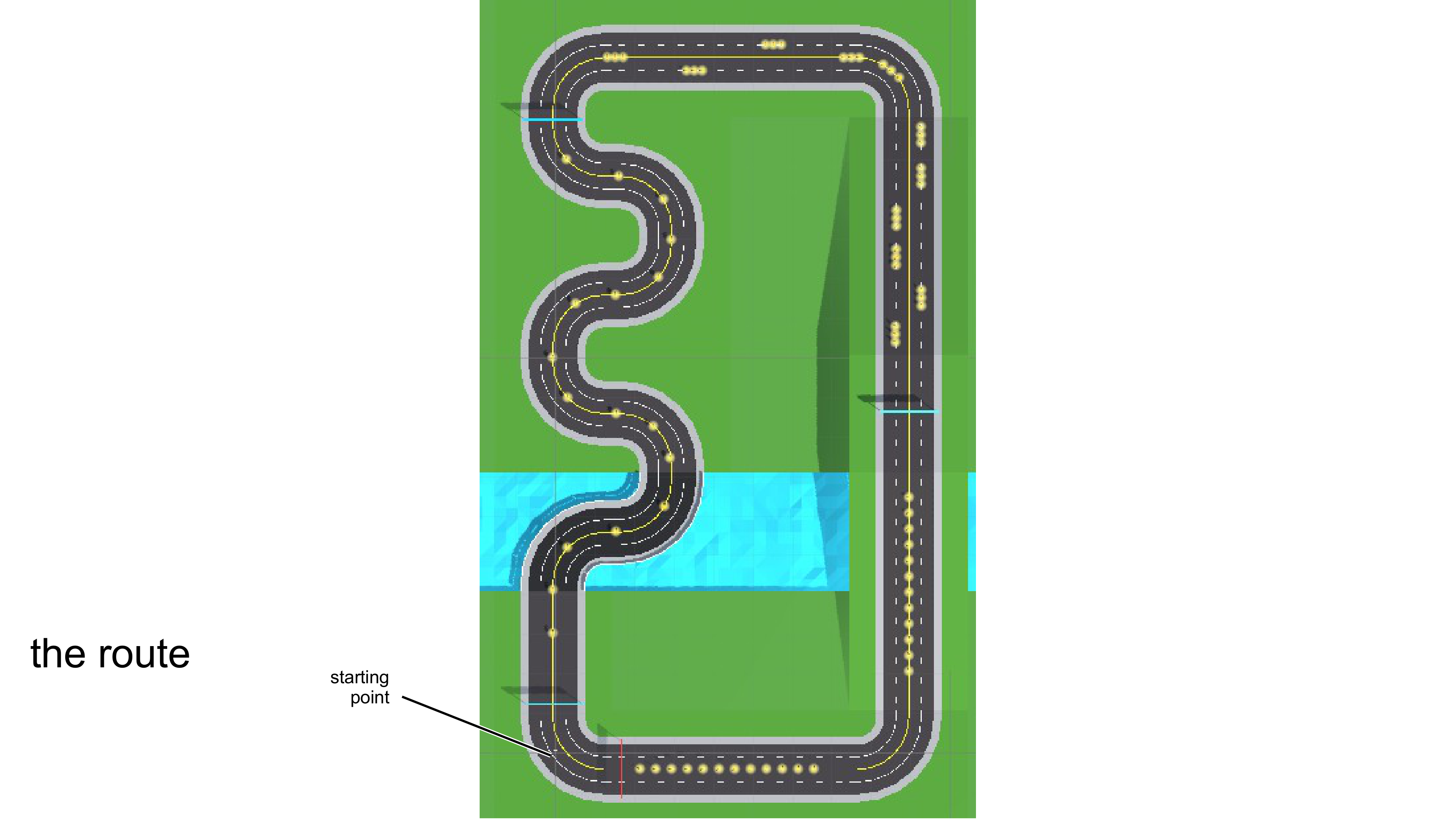
This post documents the full implementation process of IGD301 Lab Homework 5: taking my locomotion concept from previous assignments and turning it into a working Unity system inside the course-provided parkour scene. For this lab, all core gameplay locomotion behavior is centralized in LocomotionTechnique.cs, including movement gating, arm-swing power detection, speed mapping, jump, respawn, stage triggers, and coin collection. 1. Goals and Scene Constraints This assignment is not a generic locomotion demo. It has to work in the official parkour route, which immediately imposes three constraints: ...

February 5, 2026 · 11 min · Xia Yina

Lecture Homework 1: Three VR Locomotion Designs

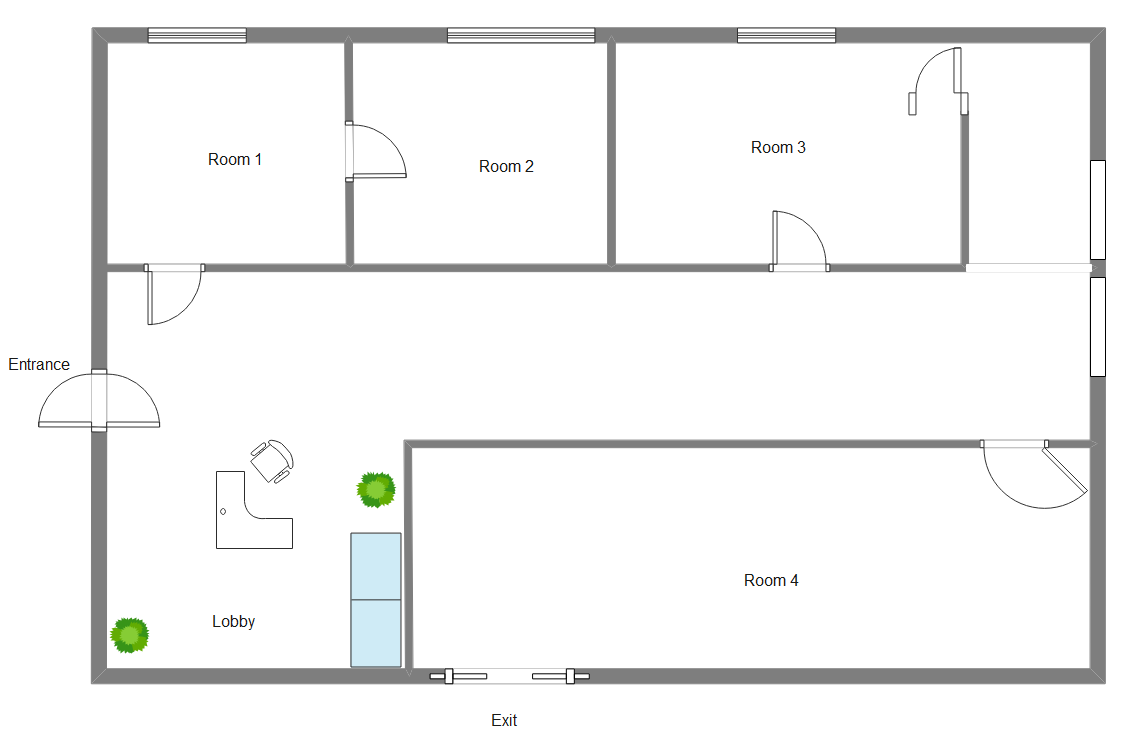
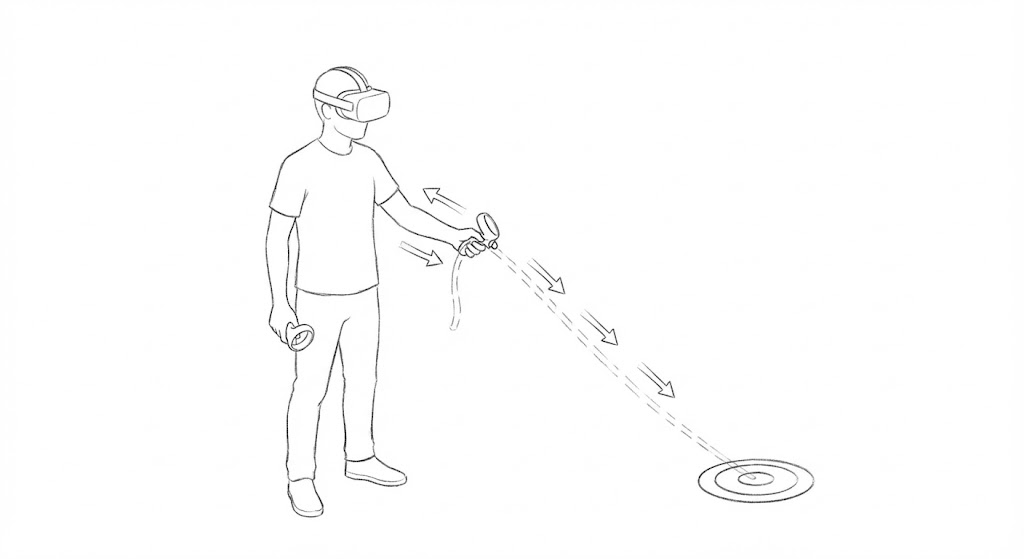
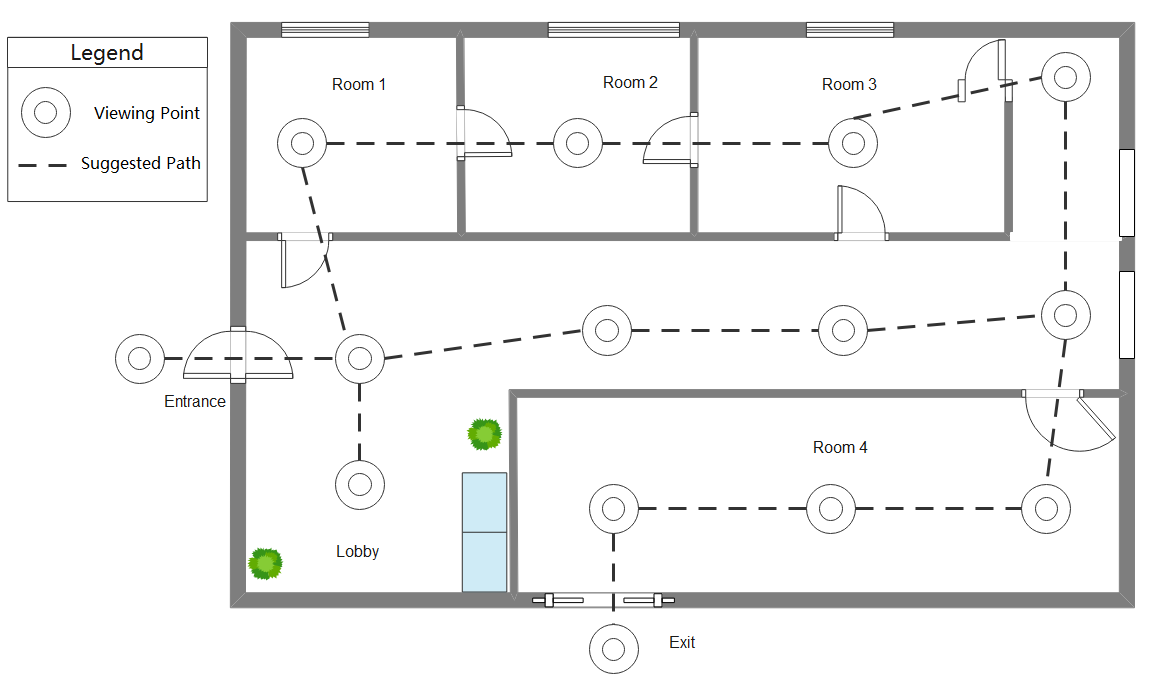
Lecture Homework 1: Three VR Locomotion Designs Scenario: A Modern Art Museum Tour Imagine visiting a VR recreation of a modern art museum. The exhibition space does not need to be large, but it should create a clear motivation to move around. The task is straightforward: you will visit many exhibits in sequence. In front of each exhibit there is an “optimal viewing spot”, indicated by a subtle circular marker on the floor. Once you step into the marker and stand still, you read or listen to an explanation of about 15 seconds, then move on to the next exhibit, and finally reach the exit to complete the tour. ...

December 6, 2025 · 8 min · Xia Yina

Lecture Homework 2: Locomotion Pitch — Gait-Based Arm-Swing for VR Parkour

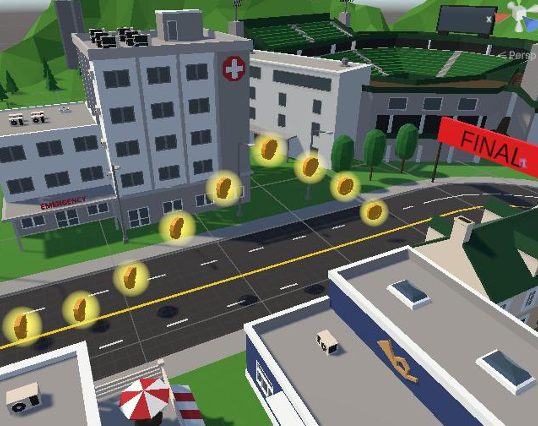
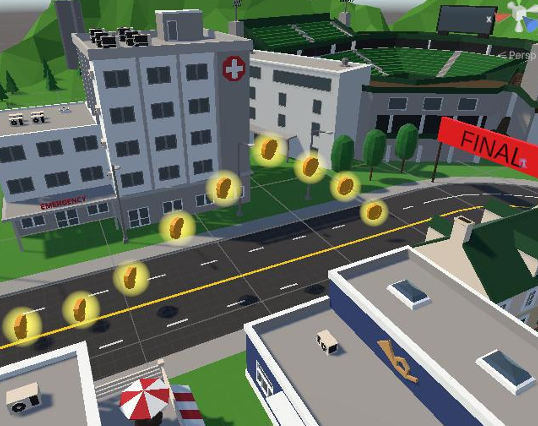
The goal of this homework is to design a locomotion technique that fits the provided VR parkour scene better than the default. The level is a fixed route with banner timing checkpoints and lots of collectible coins. The key twist is that not all coins are on the ground—some are floating slightly above it. So it’s not just about moving fast. You also need to stop on demand, make small position corrections, and occasionally perform a small vertical action to reach elevated coins. ...

December 10, 2025 · 7 min · Xia Yina

Lecture Homework 3: User Evaluation — Power-Based Arm-Swing in Practice

The goal of HW3 is to run a small-scale user evaluation of my locomotion technique. I recruited two participants and joined as the third myself. Each of us ran the parkour course for three full rounds, recording objective performance data and subjective ratings to see how the system holds up in real users’ hands. Evaluation Design Why Evaluate at All As the developer, I know the system too well. I know every parameter, the optimal entry angle for each curve, what swing cadence maps to what speed. But all of that was accumulated over dozens of iterative test sessions. A first-time user’s experience could be entirely different. ...

January 20, 2026 · 9 min · Xia Yina

Lecture Homework 4: Final Presentation — Power-Based Arm-Swing Locomotion

This post covers the full content of my final locomotion presentation, organized into three parts: scenario and design goals, system mechanisms, and user evaluation. Scenario & Challenges The project scenario is a fixed VR parkour course: a timed race track where you collect coins along the way. The course has multiple checkpoints, continuous curves, and some coins floating above ground level. The final section of the course is particularly important: several coins sit visibly above the ground, making pure horizontal locomotion insufficient. This constraint directly shaped the locomotion design, which must include some form of vertical movement. ...

January 29, 2026 · 8 min · Xia Yina